Mastercam Software Enhances Programming Flexibility and Efficiency
Mastercam, a leading CAD/CAM software, has made significant advancements in its latest versions to enhance programming flexibility and efficiency for users. The new features in Mastercam 2024 and 2025 focus on simplifying complex tasks and streamlining workflows.
Key Features and Enhancements:
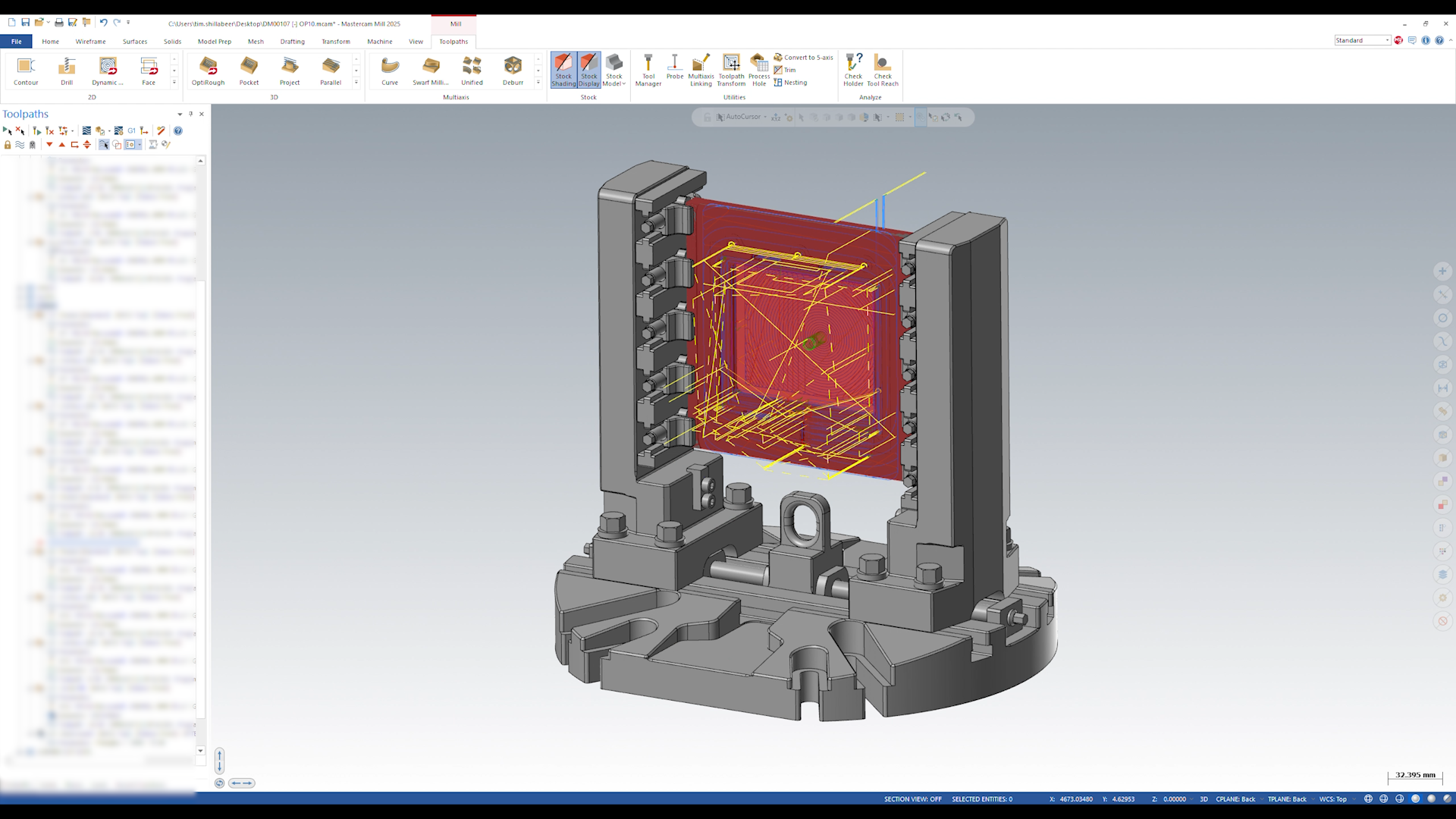
- Micro-Automation: Mastercam 2024 introduces the concept of micro-automation, allowing users to develop and apply custom strategies for repetitive tasks with fewer clicks. This feature is exemplified by the Process Hole function, which enables operators to save and reuse hole machining processes, significantly speeding up programming for similar tasks in the future.
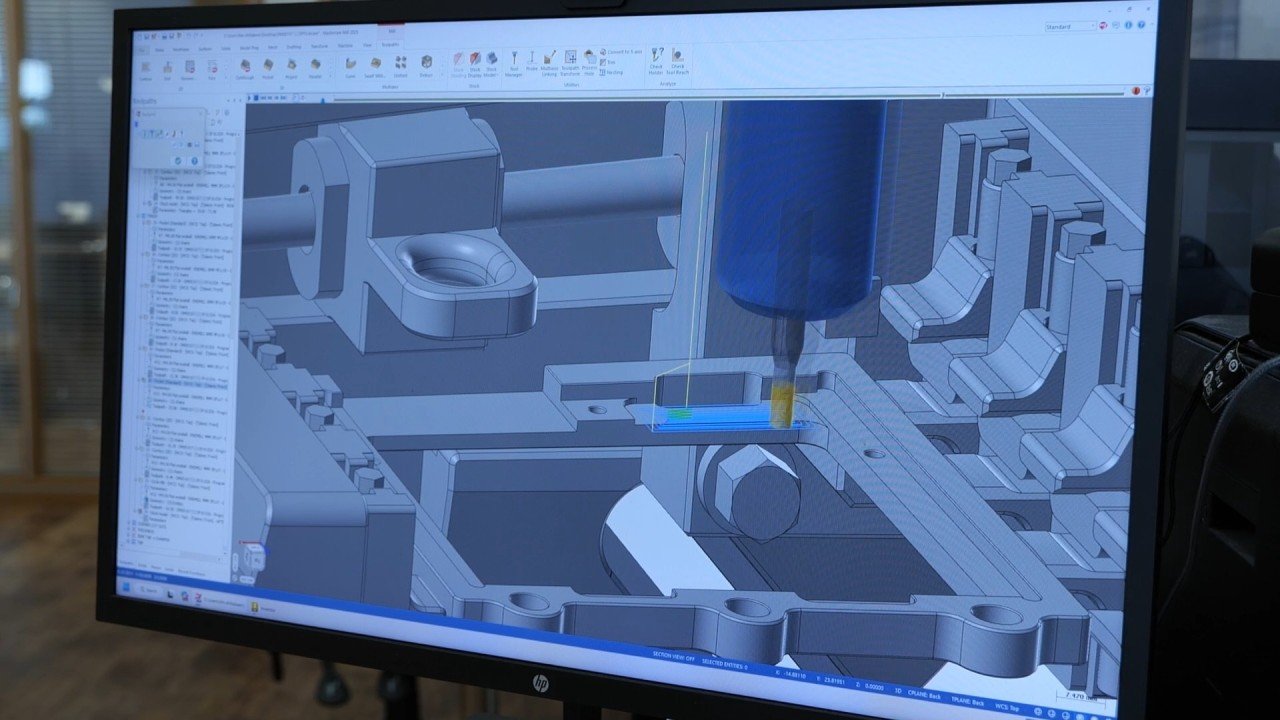
- Full Simulation Capabilities: The software now fully supports simulation for a variety of machine tools, including multi-tasking machines and turning centers with angled milling heads. This integration ensures that users can simulate and verify their machining strategies effectively before actual implementation, reducing errors and enhancing efficiency.
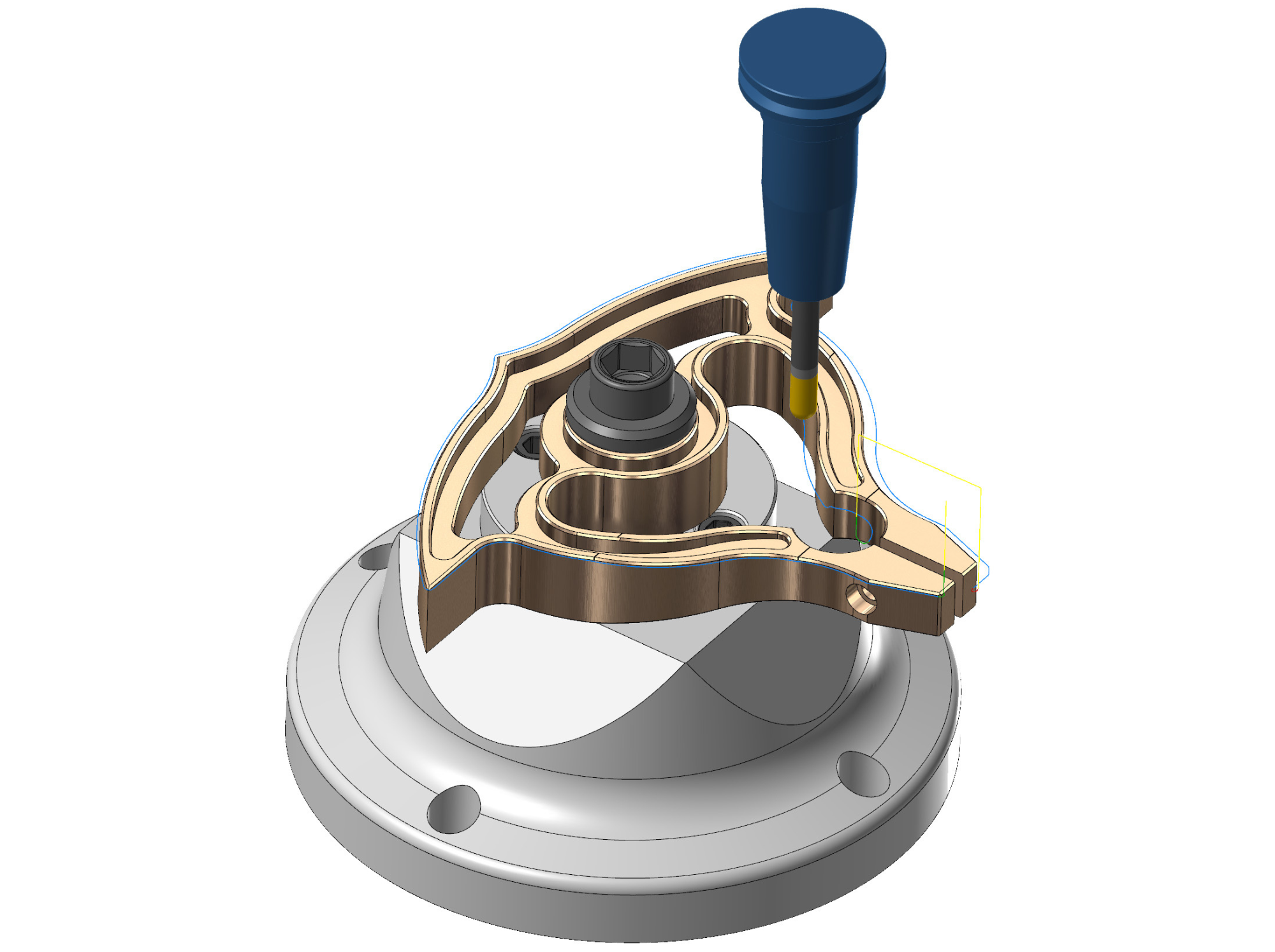
- Dynamic Toolpath and Finishing Passes: Mastercam’s Dynamic Toolpath functionality has been enhanced to include finishing passes, which improve surface finishes and reduce cycle times. The Minimize Burial option helps prevent tools from over-engaging, optimizing the machining process for better results.
- Solid Hole Selection: The expanded Solid Hole selection capabilities in Mastercam 2025 allow users to select hole shapes directly from solid models without requiring model history. This update streamlines the hole-making workflow, increasing efficiency and control over programming hole features.
- Analyze Deviation Tool: Mastercam 2025 also includes the Analyze Deviation tool, which helps users measure distances between various entities in a CAD model, providing a clear and detailed graphical representation of the measurements.
- System Requirements: To fully leverage these advanced features, Mastercam recommends using a powerful system with at least an Intel i7 or Xeon processor, 32-64 GB of memory, and a high-performance NVIDIA or AMD graphics card. A dual-monitor setup is also recommended to maximize productivity.
These enhancements make Mastercam a versatile and powerful tool for manufacturers, enabling them to handle complex machining tasks with greater precision and efficiency. For more details on the latest updates and system requirements, visit the Mastercam website (SME) (mastercam.com) (mastercam.com) (Worcon) (mastercam.com).