

08:24
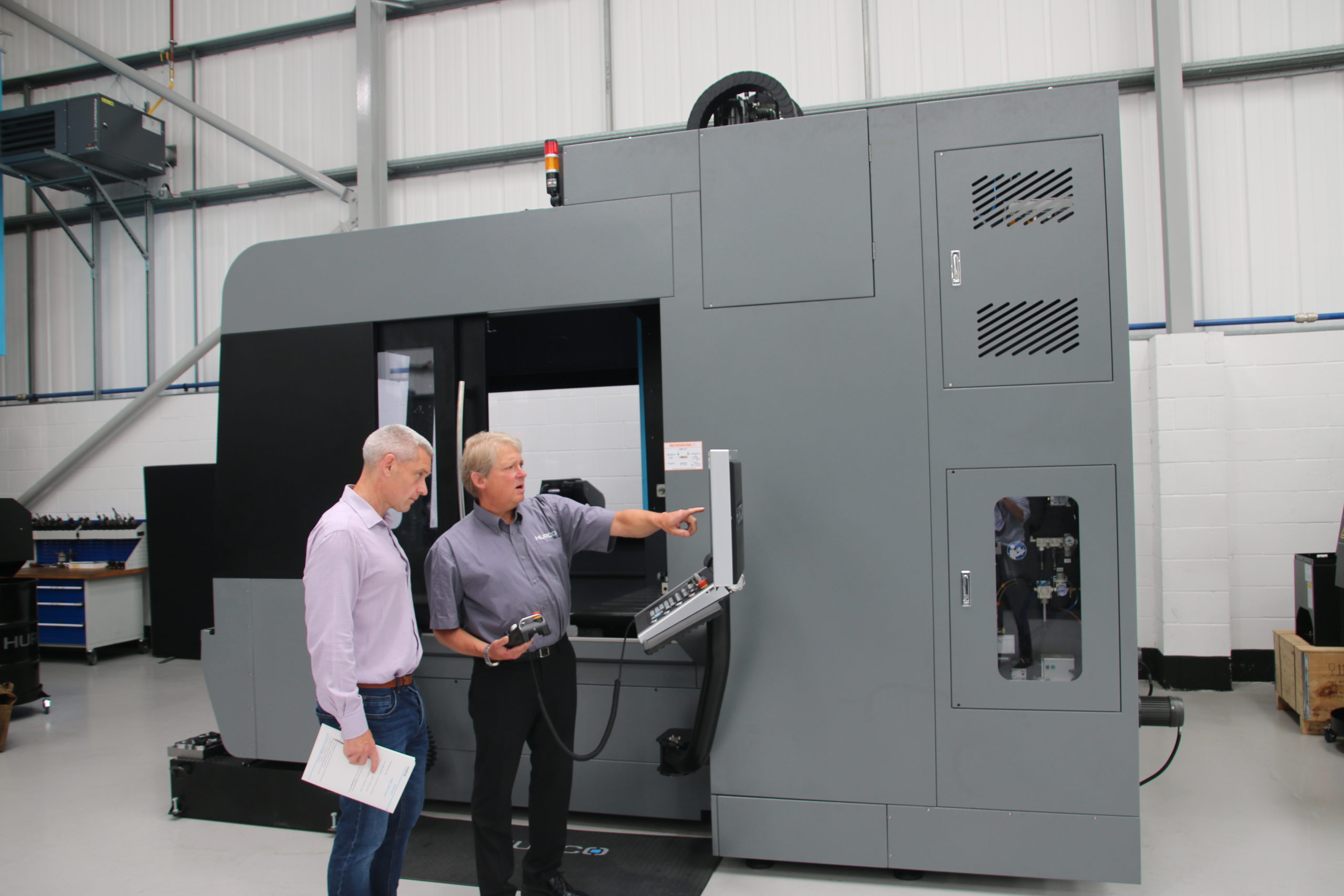
As a manual machinist in the ’90s, I never programmed CNC machines – so Hurco set down a challenge that they could teach me to programme a part in a matter of hours….and surprisingly I did! By Rhys Williams
Exclusive to Hurco, the WinMax CNC system has long been a major USP of the brand. The ease-of-use, graphic interface and intuitive conversational programming are claimed to turn anybody into a competent programmer in next to no time, so we put the theory to the test. I was confronted by the BX60i machining centre, and Senior Applications Engineer, Andrew Roberts informed me the programming process is the same for all machines.
Before getting into the details, Andrew explained that all new Hurco customers receive a 2-day training programme. During this period, customers work their way through a 48-page manual that is packed with everything from simple to complex programs with step-by-step guides on how to conquer the increasingly challenging programmes. And if you are not the confident sort, your new machine is fitted with Teamviewer. This allows Hurco engineers to access your machine and talk you through any difficulties.
Whilst discussing the WinMax system, Andrew emphasised that WinMax is continually being updated with new features that would simplify everyday work for thousands of operators. Since 2008, WinMax has evolved from Version 7 to the current 10.02.207-ST. In that time, the new cycle additions have been relentless – but if you’re a loyal long-time Hurco customer that keeps buying the next machine without investigating the new features, you may need to brush up on your skills. If you don’t, you are missing a trick.
Hurco has introduced absolute tool length to replace zero-calibration, thread milling as a canned cycle, tool life monitoring, bolt circle blocks and Adaptipath, an update that enables trochoidal milling without complex G-code or CAM programming. Of the more pertinent updates are the 3D DXF and solid modelling features. The advantage here is being able to take a Step file and WinMax will automatically program the depths, even on five-sided parts, bridging the gap between programming and CAM.
“It’s not CAM. The difference between Hurco and CAD/CAM is that it automatically inputs the data as conversational programming. One of the big differences between Hurco and anyone else is that we have a conversational side and an NC side, so that either runs as NC or conversational. With most systems you are typing a code, with a Hurco control, it draws the part, so you have a graphical reference point,” says Dave Waghorn.
The task at hand
But back to the task at hand and jumping into a demo piece in the training booklet. Identified as ‘basic lines and arcs’, the drawing provided a datum point and a few reference points with lots of missing information. The reason to exclude complete data from the drawing was to show new users the ability of WinMax to automatically calculate missing values from just a few data points. After creating a folder and a file, we were ready to get started.
The programme was generated in segments with segment zero being the start point, the tool (from an existing library) and the plunge. Speeds and feeds were selected from a pre-programmed database for the tools in the carousel. The next step was to enter Segment 1 – the arc of the part. With limited information, we could only enter the Z end point, X centre point and Y centre point, leaving many parameters blank. We moved to Segment 2, an angled line. With no data available, we skipped onward to Segment 3, the next arc. Armed again with limited information such as the X centre, Y centre and the radius of 25.4mm, WinMax calculated the X and Y axis start points.
Getting into a rhythm, we moved on to Segment 4, the next straight line with no data. This moved us to Segment 5, where we inputted an arc with parameters for the X end, Y end , the X centre and the Y centre. WinMax filled in all the missing data without having to manually use trigonometry. After saving the test piece that could also be saved as an STL file for CAM or 3D printing, I asked Andrew if we could play around with the part – adding letters. Within no time, we could choose from any of the standard Windows fonts you would find in Microsoft Word. With limited space in the pocket, we entered ‘MTD CNC’ in our desired font style and in true Tommy Cooper style, we had a part programmed ‘just like that’.
Andrew set up the tools, and in little more than an hour, we had our first part programmed and machined. We may have skipped a few small steps along the way, but I have to admit, the simplicity and the graphical illustrations provided by WinMax certainly gave me the confidence to work my way through the rest of the training manual – but that’ll have to wait for another day.